The best AI ad generator for most advertisers is AdCreative.ai if you need static image ads in volume, or Creatify if you need cheap AI video and UGC-style ads.
Before paying for either, try the free generators already inside Meta Ads Manager and Google Ads.
Our archive shows AI-made ads can work, but the biggest wins still come from new angles and more variations, not from the tool itself.
How we picked: vendor pricing pages, public product docs and the results in our database.
We have not used these tools ourselves, so nothing here is a hands-on review.
| Tool | Best for | Starting price (as of November 2026) | Free plan or trial | Rating (source) |
|---|---|---|---|---|
| AdCreative.ai | Static banner and social ads in bulk | $39/mo (Starter) | 7-day free trial | Not verified |
| Creatify | Low-cost AI video and URL-to-video ads | $15/mo list (Standard) | Free plan, 10 credits/mo | Not verified |
| Arcads | AI actor UGC-style video ads | Not listed publicly | Not verified | Not verified |
| HeyGen | Avatar and spokesperson videos, translation | $29/mo (Creator) | Free plan, 3 videos/mo | Not verified |
| Canva | Design teams that also make ads | About $144/yr (Pro) | Free plan | Not verified |
| Pencil | Cheap multichannel ad variations | $14/mo (Core) | 6 free ads | Not verified |
| Meta Advantage+ creative | Free variations inside Meta ads | Included in Ads Manager | No separate fee | n/a |
| Google Ads Asset Studio | Free images and video for Google campaigns | Included in Google Ads | No separate fee | n/a |
We could not load G2 or Capterra to confirm ratings, so we left them out instead of guessing.
What AI ad generators do (and what they can't)
An AI ad generator turns a product URL, a photo or a short prompt into finished ad creative: static banners, short videos, headlines and primary text.
The better ones size each ad for Feed, Stories, Reels and display placements in one pass.
They fall into three groups. Static tools like AdCreative.ai and Pencil make image ads and copy.
AI UGC tools like Creatify, Arcads and HeyGen make videos with synthetic actors or avatars.
And Meta and Google now build generators into their own ad platforms for free.
What none of them can do is pick your angle or your offer.
In our archive, the changes that moved CPA most were new messages and better offers.
An AI tool mainly makes it cheaper to produce and test more versions of an idea you already have.
AdCreative.ai: the static ad generator most teams compare first
1. AdCreative.ai
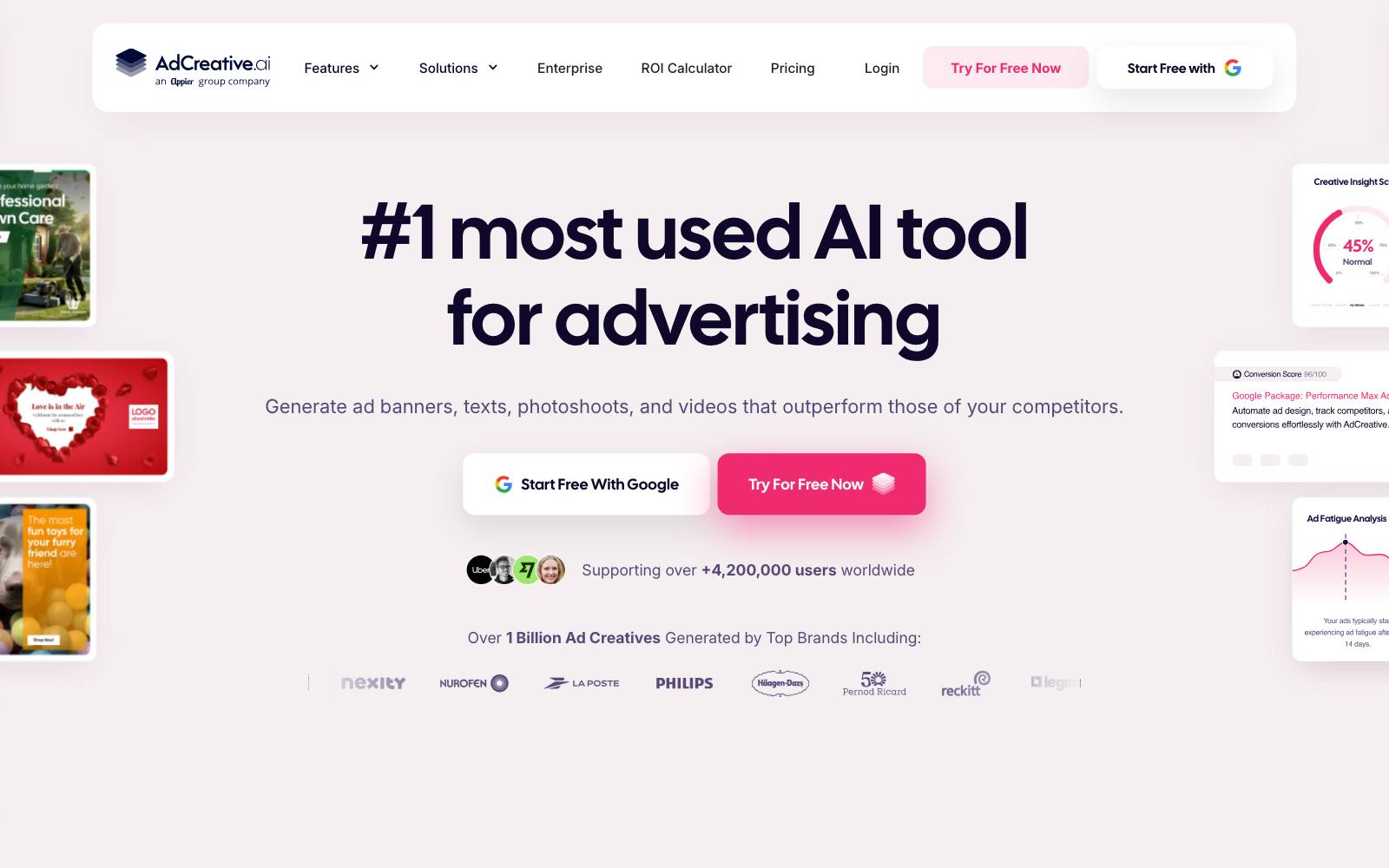
Best for: Ecommerce brands and agencies that need many static ads and banners every week across several brands.
What it does: AdCreative.ai generates ad banners, product photos, short videos and ad copy from your brand assets.
It also scores creatives with a performance prediction and pulls in competitor ad insights.
The homepage claims over 4,200,000 users (vendor-reported). Read our full AdCreative.ai review for more detail.
Key features:
- Ad banner, video and copy generation from a brand kit
- Product photo backgrounds and studio-style shots
- Creative scoring that predicts performance (the 90%+ accuracy figure is the vendor's own claim)
- Competitor insights and buyer persona tools
Pros:
- Fast way to get dozens of on-brand static sizes
- Multi-brand plans suit agencies
- 7-day free trial before you pay
Cons:
- Credit limits are tight on Starter (20 credits)
- Big price jump from $39 to $249 a month
- Output can look templated next to work from a designer
- A prediction score is not a test result; you still need to run the ads
Pricing (as of November 2026): Starter $39/month (20 credits, 1 brand), Professional $249/month (300 credits, 10 brands), Ultimate $999/month (25 brands), Enterprise on request, with discounts for quarterly and yearly billing, per the AdCreative.ai site.
If you buy through our link we may earn a commission, at no extra cost to you.
In our archive: Static ads can carry a large account on their own. @runtraffic reported a static-only Meta campaign at $32.98 cost per purchase on $253k.
And in a vendor-reported Marpipe case, Ridge got +53% ROAS from colored catalog backgrounds, the kind of variation these tools automate.
Not for: brands that mainly sell through video. For that, compare video ad makers instead.
Creatify, Arcads and HeyGen: AI UGC video
These three make video ads with AI actors or avatars talking to camera.
They are the fastest way to get UGC-style volume without booking creators.
For a longer list, see our guide to AI UGC tools.
2. Creatify
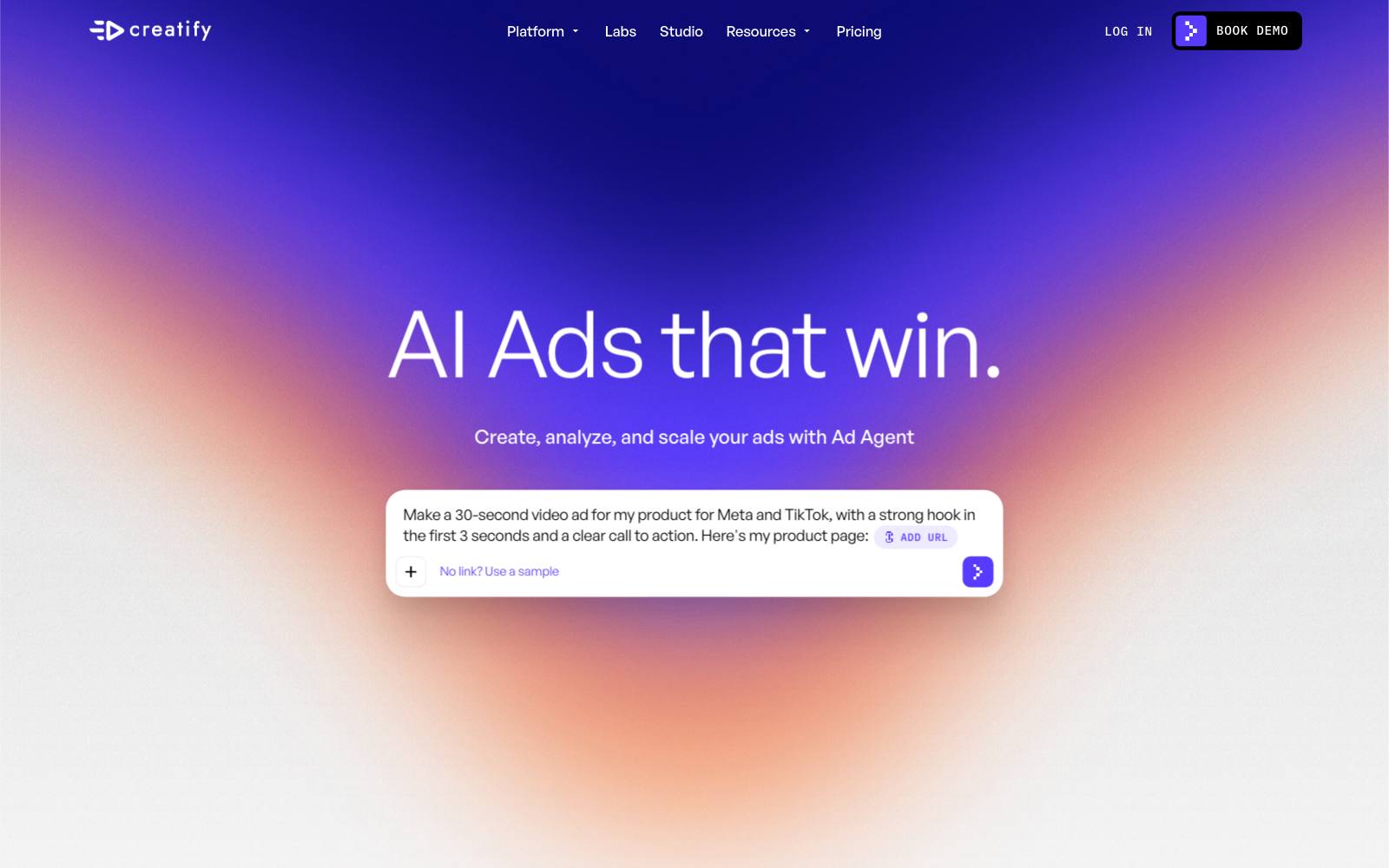
Best for: Small ecommerce and app teams that want cheap video ad volume from a product page.
What it does: Creatify turns a website URL into a video ad and offers AI avatars, templates and an "Ad Agent" that it says can research, create, launch and optimize ads.
It connects to tools like Shopify and Google Analytics and publishes to Meta, Google and TikTok, per its homepage.
Key features:
- URL-to-video ad generation
- 300 AI actors on lower plans, 1,500 on Pro and up
- Custom avatars on Max and Business plans
- Performance analytics with suggested changes
Pros:
- Real free plan (10 credits a month, watermarked)
- Low entry price for video
- Team plan with 10 seats for agencies
Cons:
- Free and Standard credits run out quickly if you test many hooks
- Stock AI actors can look familiar to people who see a lot of ads
- Letting an agent launch and optimize ads means less control
Pricing (as of November 2026): Free (10 credits/month), Standard listed at $15/month ($10/month on the annual plan, 55 credits), Pro $55/month list (280 credits), Max $95/month list, Business $195/month list with 10 seats, per the Creatify pricing page. Annual billing is about 30% off.
In our archive: @runtraffic ran AI video ads on YouTube at about $20K a day and reported a conversion value/cost of 1.58, up 0.21. The tool used isn't named.
3. Arcads
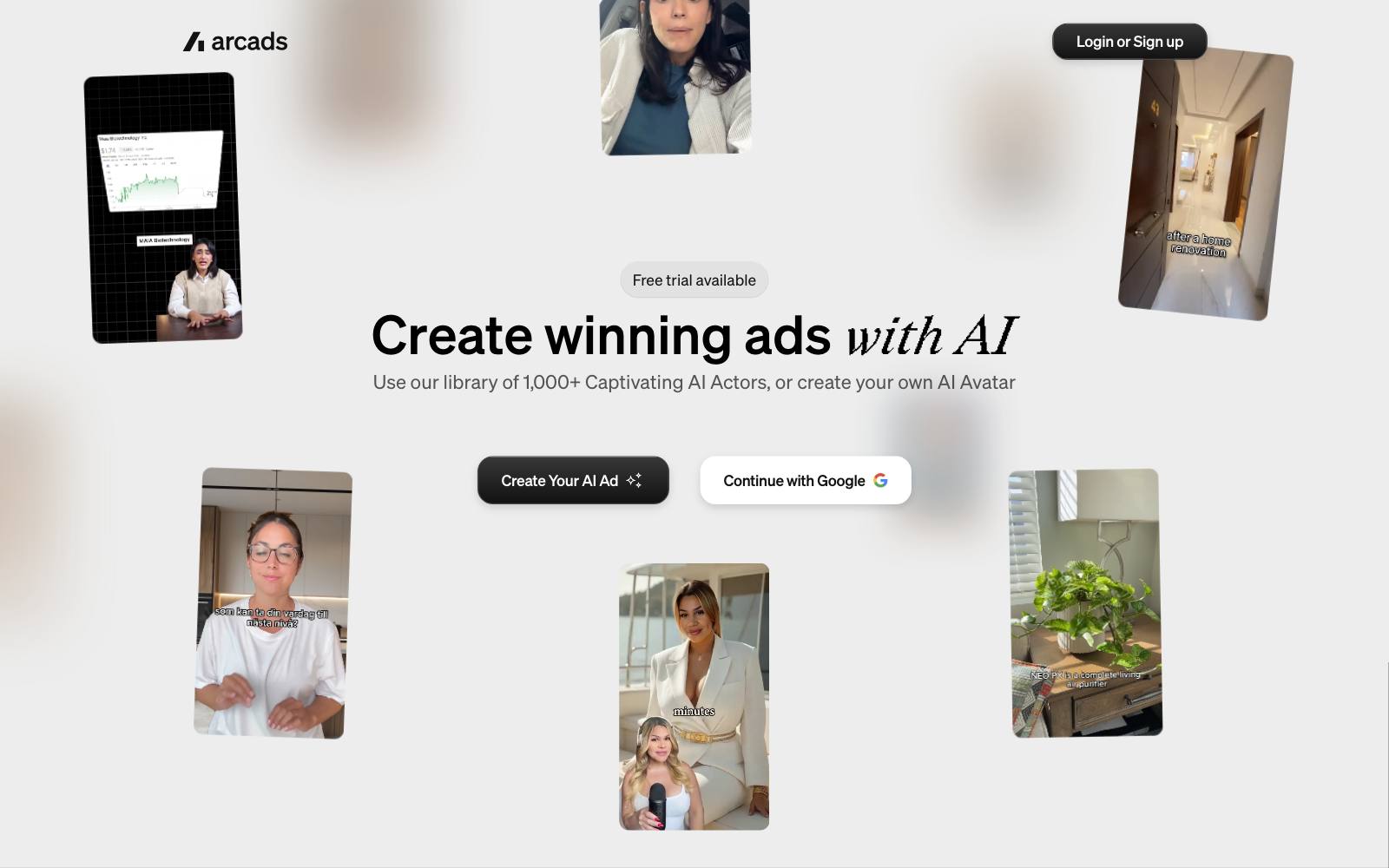
Best for: Performance teams that want realistic AI actor testimonials and lots of hook variations.
What it does: Arcads writes and produces UGC-style video ads with a library of AI actors, plus custom avatars that can hold your product.
It bundles several video models and editing tools in one workspace, per its homepage.
Key features:
- 1,000+ AI actors and custom product-holding avatars
- Emotion control for actor expressions
- Translation in more than 30 languages
- Captions, voice changes and background removal
Pros:
- Built for direct-response ad formats, not general video
- Localization helps brands selling in several countries
- Team workflow for testing at scale
Cons:
- Prices are not shown on the public site, so you can't compare before signing up
- Synthetic testimonials raise disclosure and trust questions, especially in health and finance
- Not a fit if you need real customers on camera
Pricing (as of November 2026): Not listed on the Arcads site; you see plans after creating an account.
In our archive: A real human can still beat polished creative.
MHI Media (Kamal Razzak) reported a founder car selfie video that cut CPA 62% against polished UGC and studio ads.
Use AI actors to find the hook, then consider filming the winner for real.
Our founder-led vs UGC comparison covers the tradeoff.
4. HeyGen
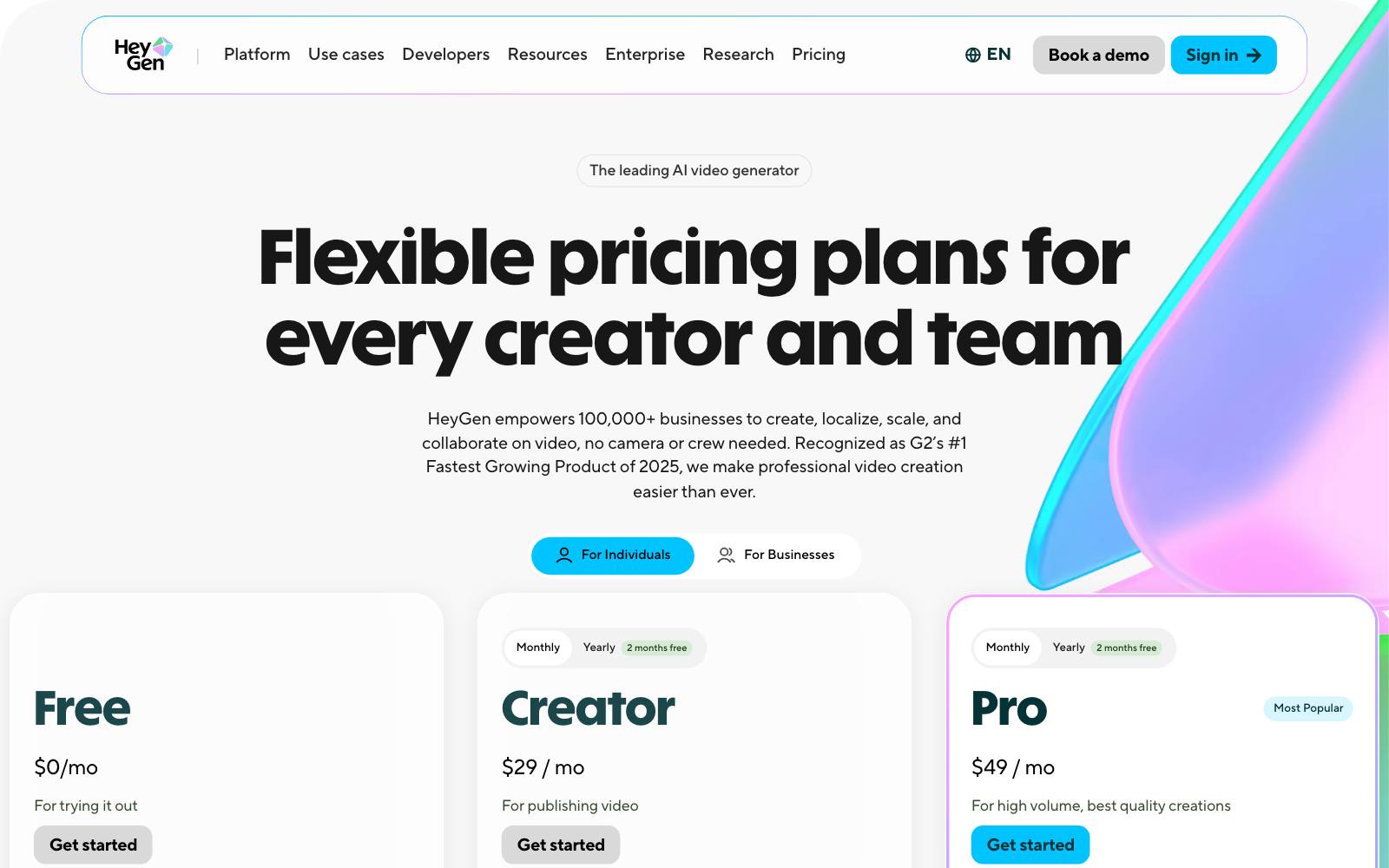
Best for: Brands that want a consistent avatar spokesperson or need to translate one video into many languages.
What it does: HeyGen generates talking avatar videos from a script, including a custom avatar of you.
It is a general video tool rather than an ad-only one, so you bring the ad structure yourself.
Key features:
- 500+ stock avatars on the free plan
- 175+ languages on paid plans
- Custom avatar, even on the free plan
- 4K export on Pro
Pros:
- Clear public pricing with a usable free tier
- Strong for translation and localized versions
- Credits roll over, per the pricing page
Cons:
- No ad-specific features like hook libraries or direct ad account publishing
- Free videos are watermarked and capped at 1 minute
- Talking-head avatars only suit some products
Pricing (as of November 2026): Free (3 videos/month), Creator $29/month ($24 billed yearly), Pro $49/month ($39 yearly), Business $149/month, Enterprise custom, per the HeyGen pricing page.
In our archive: Faceless and voiceover formats can scale. @alexgoughcooper reported a faceless "yapper" video ad at a CPA of $88.56 on $141k spend.
It wasn't AI-made, but it shows a format avatar tools can copy.
Canva, Pencil and the free generators in Meta and Google
5. Canva
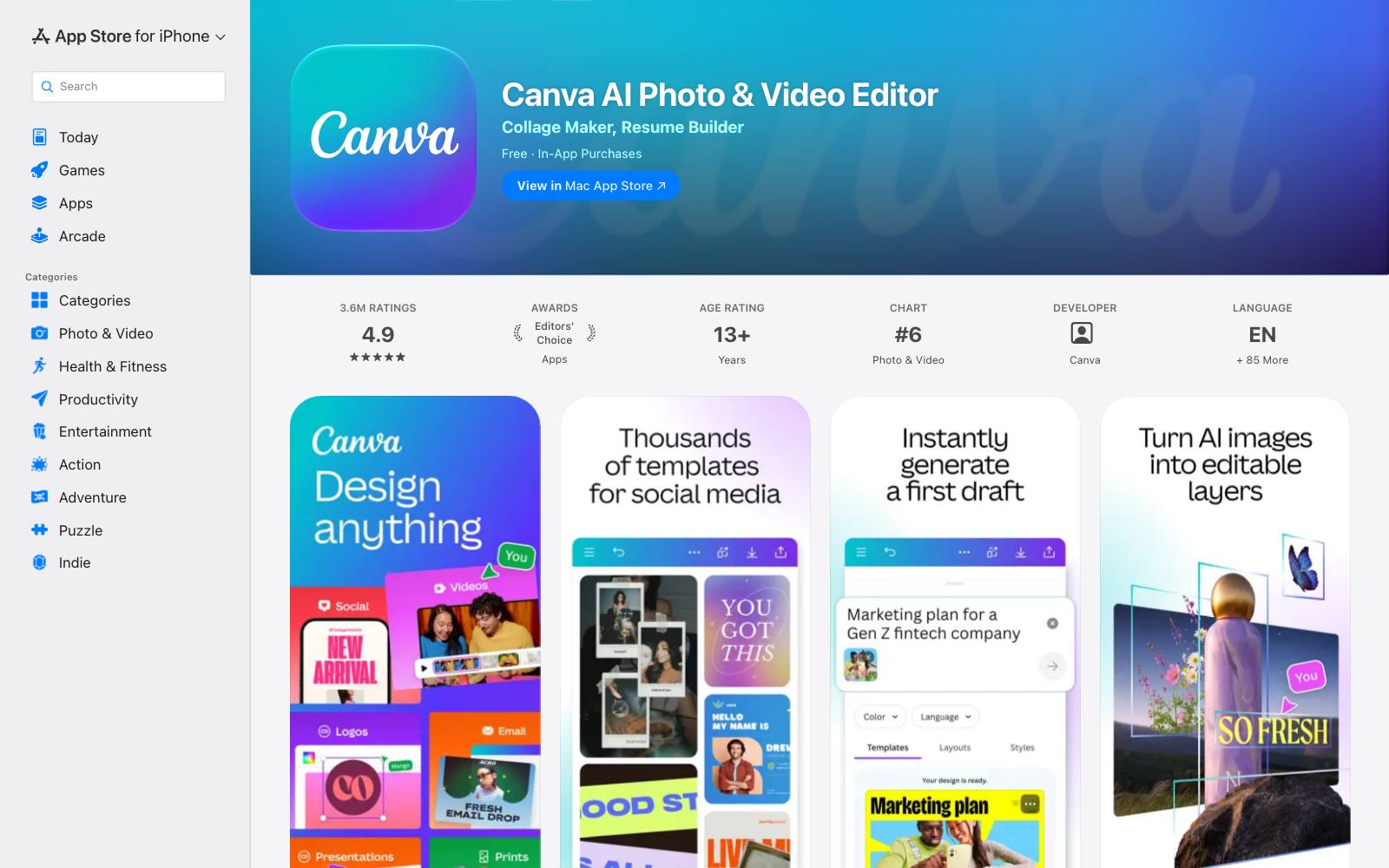
Best for: Small teams that already design in Canva and want AI help on ads without a new tool.
What it does: Canva is a design platform with AI tools for writing, image generation, background removal and bulk design.
It is not ad-specific, but its templates cover every social ad size.
Key features:
- AI writing and image tools inside the editor
- Background removal and resizing
- Bulk design automation for many versions
- Large template and stock library
Pros:
- Free plan for basic use
- Your team probably knows it already
- Good for static ads and simple video edits
Cons:
- No ad performance data or ad account connection
- AI usage on the free plan is limited
- Generic templates are easy to spot in the feed
Pricing (as of November 2026): Free plan, or Canva Pro at about US$144 a year for one person on Canva's pricing page.
The iOS app lists Pro at $14.99 to $18.00 a month or $119.99 to $143.99 a year on the App Store.
In our archive: @runtraffic reported Demand Gen static ads before Christmas at a ROAS of 1.18 with 94.8% new customers.
Simple statics can bring in new buyers, even if they don't win on short-term ROAS.
6. Pencil
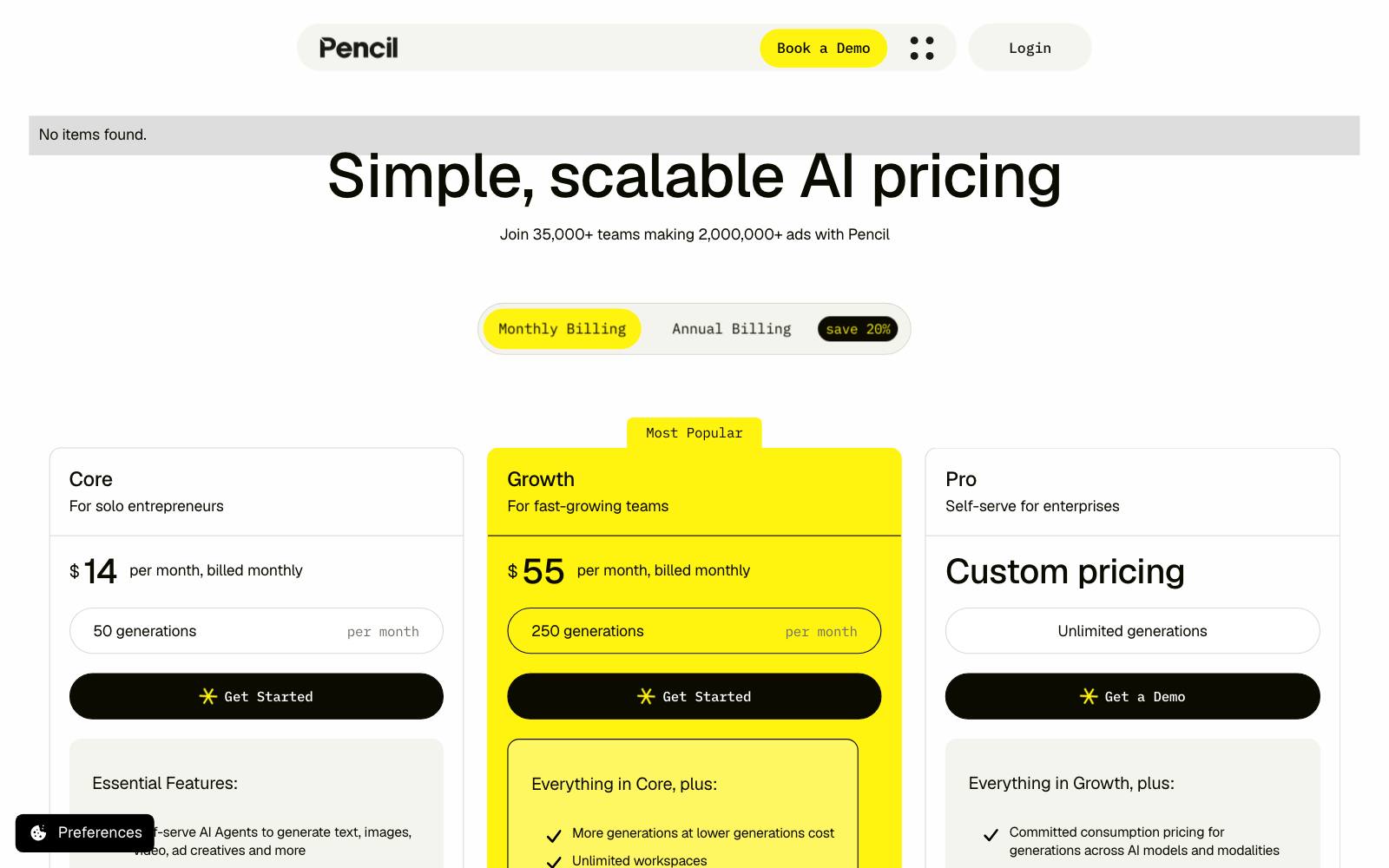
Best for: Lean teams that want text, image and video ad variations at a low monthly price.
What it does: Pencil uses AI agents to generate text, images, video and ad creatives for channels like Facebook, Instagram, TikTok and YouTube, with performance insights, per its pricing page.
Key features:
- Text, image and video generation in one place
- Multichannel formats
- Performance analytics on all plans
- "No train" and IP terms on the Pro plan
Pros:
- Low entry price
- Six free ads to try it
- Enterprise data protections for larger brands
Cons:
- Unused generations don't roll over
- 50 generations a month on Core goes fast
- Less specialized for UGC video than Creatify or Arcads
Pricing (as of November 2026): Core $14/month ($11 billed yearly, 50 generations), Growth $55/month ($44 yearly, 250 generations), Pro custom, per the Pencil pricing page.
In our archive: In a vendor-reported Marpipe case, AgelessRx ran a one-week test of 5 ads, and its top ad showed a 77% lower CPA.
Cheap variation tools only pay off if you test them in a structured way like this.
7. Meta Advantage+ creative
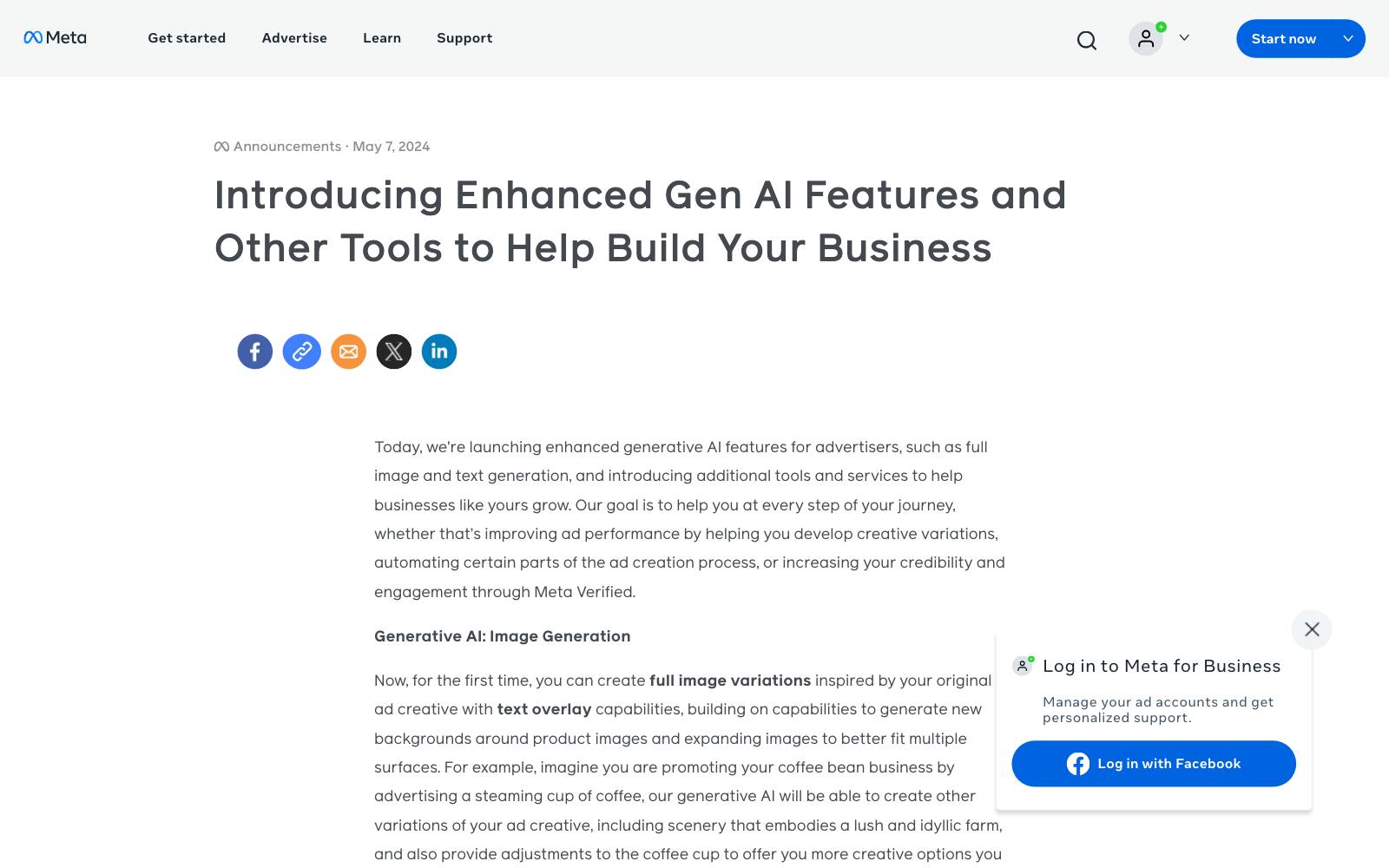
Best for: Any Meta advertiser who wants AI variations without paying for another tool.
What it does: Inside Ads Manager, Meta can generate image variations, backgrounds, image expansion to other aspect ratios, and headline and primary text variations.
Meta announced these in May 2024, and in July 2026 said its Muse Image model is coming to Advantage+ creative.
Key features:
- Full image variations from your original ad
- Background generation and image expansion
- Headline and text variations
Pros:
- No extra subscription
- Works where your ads already run
- Meta sizes ads for Reels and Stories for you
Cons:
- Less control; review every variation before it goes live
- Meta's own case numbers are platform claims, not independent tests
- Meta only; nothing to reuse on TikTok or Google
Pricing (as of November 2026): Included in Meta Ads Manager; you pay for ad spend only.
In our archive: We file Meta's and Google's in-ad claims separately as platform claims, such as "AI Max +14%".
Meta also cites Casetify seeing a 13% ROAS increase from background generation (vendor-reported). Read more on AI-generated ads on Meta.
8. Google Ads Asset Studio
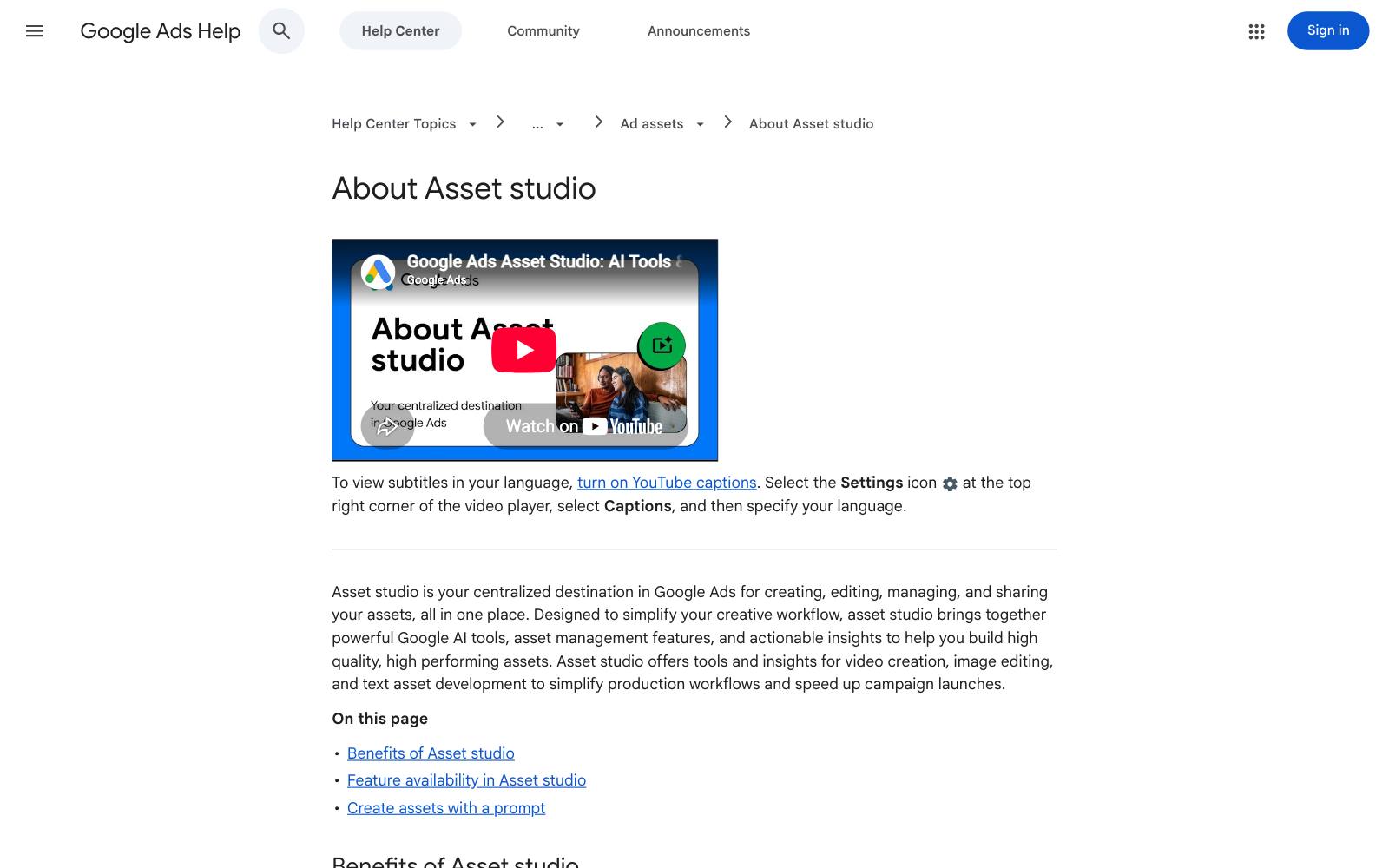
Best for: Google advertisers running Performance Max, Demand Gen or YouTube who are short on images and video.
What it does: Asset Studio is Google's built-in tool for generating product imagery, editing images, building horizontal or vertical videos and adding voiceovers, per Google Ads Help.
Google says it now uses its newer image and video models.
Key features:
- Product scenes generated from one or two product photos
- AI image editor
- Video builder and voiceover
- Shareable review links for teams
Pros:
- No extra subscription
- Fills asset gaps that hold back Performance Max
- Reviewers don't need a Google Ads login
Cons:
- Generated assets are only kept for 55 days unless you save them
- Google only
- Generated people and scenes still need a brand check
Pricing (as of November 2026): Included in Google Ads; you pay for ad spend only.
In our archive: The @runtraffic YouTube AI ads result (conversion value/cost 1.58, up 0.21) is the closest match.
For context, @runtraffic also reported ROAS by campaign type of 6.96 overall, with Search at 9.37 and PMax at 7.65.
What the database says about AI-made ads
Short version: AI-made ads can perform, but our archive has more proof for creative volume and new angles than for AI as such.
Here are the results from AI-made ads and the nearby evidence.
- AI video at scale works on YouTube. @runtraffic's AI video account reported a conversion value/cost of 1.58 (up 0.21) at about $20K a day. It's a campaign snapshot with no control.
- More angles beat a better tool. @SamPiliero took a tired account from a CPA of $101.29 to $60.50 (−40%) by launching 20 new angles. AI is useful here because it makes 20 angles cheap.
- Quality still matters. @SamPiliero also cut cost per order from €84.38 to €58.63 (−30.5%) with better ads at a flat budget.
- Volume helps, a little. An NP Digital chart shared on LinkedIn showed campaigns with 20+ ads had a CPA 6.8% lower than campaigns with 1-2 ads. See creative volume on Meta.
- Real people can still win. The founder car selfie video beat polished UGC and studio ads with a 62% lower CPA.
Platform numbers like Meta's Casetify case and Google's AI Max claims are vendor-reported.
We compare those claims with real results in platform claims vs results.
Pricing: what AI ad generators cost
All prices below are as of November 2026 and come from each vendor's own page.
- Free: Meta Advantage+ creative and Google Asset Studio (inside the ad platforms), plus free tiers from Creatify (10 credits/month), HeyGen (3 videos/month) and Canva. Pencil gives six free ads.
- Under $50/month: Pencil Core $14, Creatify Standard $15 list, HeyGen Creator $29, AdCreative.ai Starter $39, Canva Pro about $144/year.
- $50-$250/month: Creatify Pro $55 list and Business $195 list, HeyGen Business $149, AdCreative.ai Professional $249.
- Hidden or custom: Arcads, plus enterprise tiers from most vendors.
The best free AI ad generator for most people is the one already in your ad account.
Pay for a tool once you're testing more variations than Meta or Google can generate for you.
Which one is right for you
Small ecommerce store on a tight budget
Start with Meta Advantage+ creative and Canva's free plan.
Add Creatify's free or Standard plan if you need video.
Brand testing lots of static ads
AdCreative.ai for volume and sizes, or Pencil if you want to spend less.
Brand that lives on UGC video
Creatify or Arcads for hook testing. Then film the winning script with real creators through one of the UGC platforms.
Selling in several countries
HeyGen or Arcads for translated versions of one proven video.
Want people to do it for you
If you'd rather not run the tools yourself, an ad creative agency or media buyer can do the production and the testing.
What to look for in an AI ad generator
- Formats you actually run: statics, UGC video or both.
- Credit math: divide the plan price by how many finished ads you'll really get.
- Brand control: brand kits, fonts and logo rules so output looks like you.
- Editability: you will rewrite most hooks, so editing must be easy.
- Ad account connection: direct publishing saves time but check what it can change on its own.
- Rights and data: who owns the output and whether your assets train the model.
- Proof: treat "predicted performance" scores as guesses until your own test confirms them.
Watch out for
- Synthetic testimonials: an AI actor saying "this changed my life" can mislead buyers, and health, finance and similar claims face stricter ad rules.
- Sameness: stock avatars and templates are used by many brands, so viewers may recognize them.
- Volume without a plan: 200 variations of a weak angle is still a weak angle. Fix the message first.
- Vendor numbers: case studies on tool and platform sites are vendor-reported. Results vary.